inkBridge
A simple bridge between people and WordPress.
Tools We Build · In production / active development
inkBridge gives clients a simple way to send photos, information, and project material without asking them to learn WordPress administration.
The problem
WordPress is useful for managing a website, but asking clients to work inside it just to send a photo, update, event, or piece of information creates unnecessary friction. The issue is not capability. The interface is asking people to think like CMS administrators when they should be thinking about their own work.
What we built
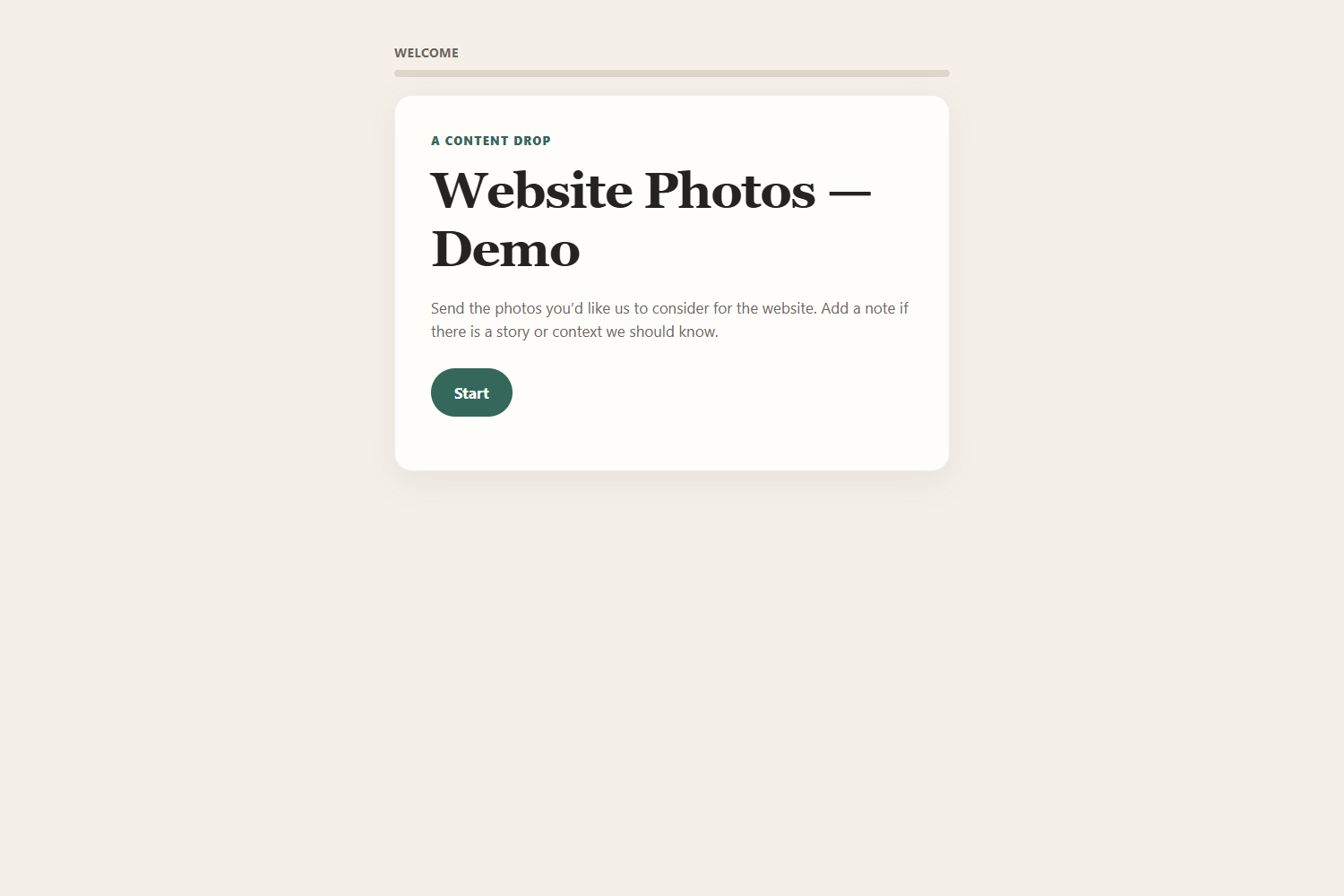
A focused request moves from a private link to guided questions and uploads, then into private WordPress review.
Focused private link
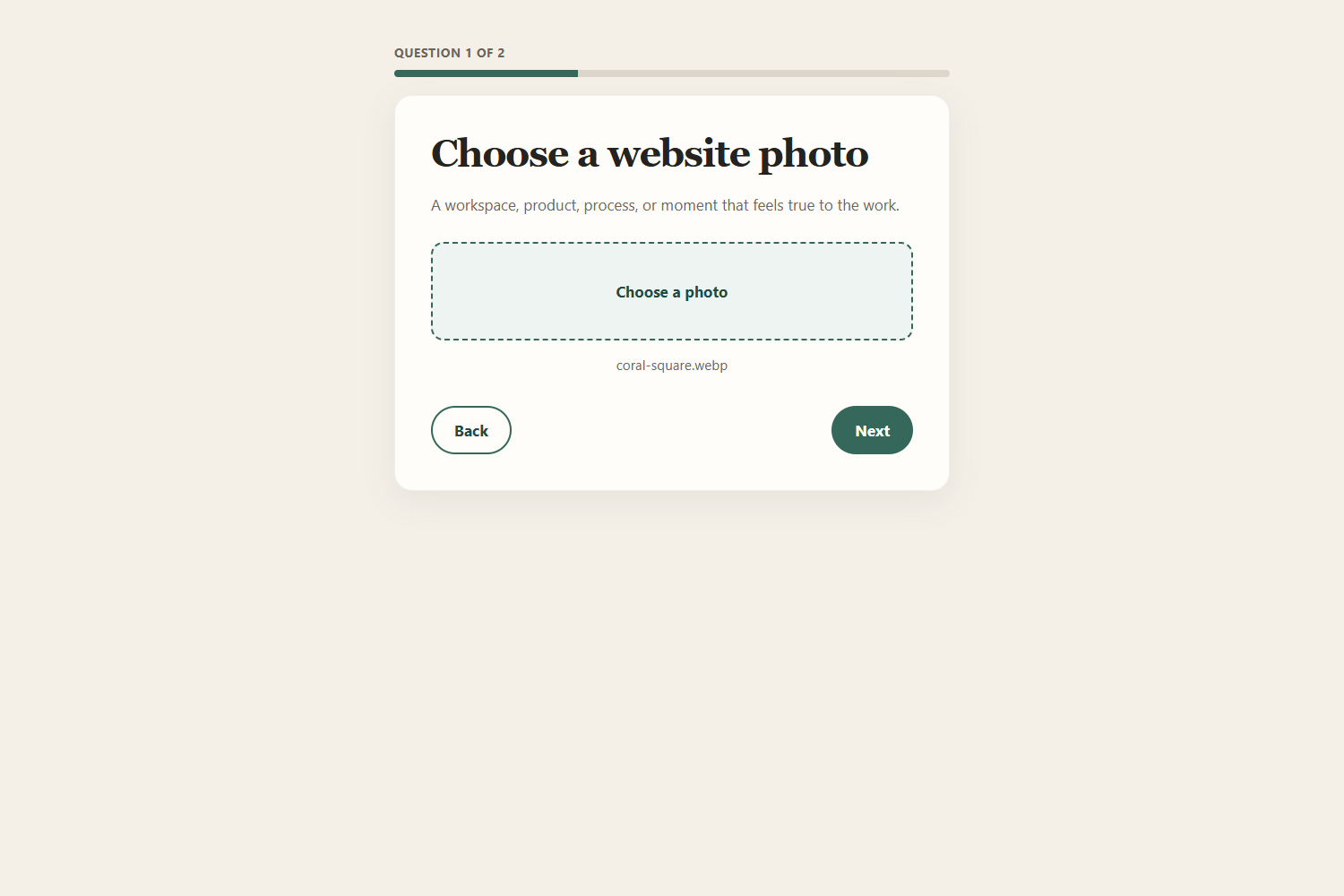
A client can open one simple request without a WordPress login.
Guided collection
Questions and photo uploads keep the request centered on the material that matters.
Private review
The submission arrives on the WordPress side for review. Publishing decisions stay with the people managing the site.
Designed around the human
The client sees only the question they need to answer. WordPress organization, review, status, and publishing decisions stay on the site-management side. That keeps the conversation close to the work instead of the software.
Improved through real use
Real production use showed that photo-oriented requests needed proper multi-photo selection. inkBridge was extended so a client can choose several images, review them, remove mistakes, and submit them together while older single-photo responses remain compatible.